







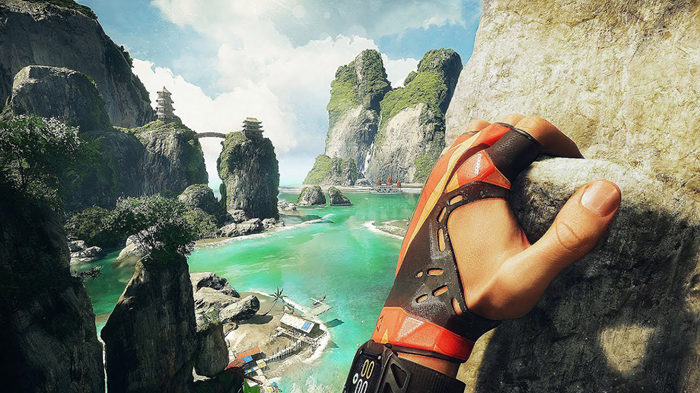
Developing VR games requires a special approach to interaction design, visual presentation, and technical optimization: it’s essential to ensure a stable frame rate, minimal input lag, proper tracking, and user comfort during long sessions.
In this article, we’ll explore key performance and security requirements, UX principles for virtual reality, rules for working with controllers and space, and common mistakes that lead to motion sickness and reduced engagement.
We’ll pay special attention to the production pipeline: engine and SDK selection, rendering setup, testing on different devices, platform certification restrictions, and preparing builds for release. We’ll also look at practical recommendations for BATTLE START royale games to systematically structure the development process—from prototype to final version.
Hardware Limitations of Headsets and Controllers: Precise Minimums for FPS, Latency, and Tracking
Three hardware “minimums” are critical for VR and directly determine comfort: a stable frame rate (FPS), total “motion>photon” latency, and tracking quality (head and controllers). These parameters are interconnected: FPS drops increase latency and exacerbate judder/stuttering, while weak tracking increases the demands on prediction and anti-aliasing, which also increases latency.
When formulating requirements in a technical specification, it’s important to specify guaranteed lower bounds rather than “average” values: the minimum acceptable FPS without dips, the worst-case latency, and minimum tracking characteristics (refresh rate, occlusion tolerance, acceptable error, and drift). Otherwise, the game will run according to the metrics “on paper,” but in a real headset, it will cause motion sickness and loss of precision.
FPS and Latency (Motion-to-Photon) Minimums
FPS: the lower comfort threshold is 90 FPS at a refresh rate of 90 Hz; For headsets running at 72/80/120 Hz, the minimum acceptable FPS is considered to be the display’s refresh rate without regular dips. If the platform uses reprojection/ASW/spacewarp modes, then the absolute minimum is 45 FPS (for 90 Hz) or 60 FPS (for 120 Hz), but only under the following conditions: stable frame pacing, no sudden camera acceleration, and limited fast turns. For development, this means aiming for the native refresh rate and treating reprojection as an emergency mode, not the norm. Motion-to-photon latency: The practical minimum for a comfortable VR experience is no more than 20 ms end-to-end; 10-15 ms is preferred on modern systems. In the requirements, specify the upper limit specifically for the worst-case scenes (peak load), not the average. If latency approaches 20 ms or higher, especially with active head movements, the risk of discomfort increases: the image “catches up” with the movement, and small fluctuations turn into a noticeable “floating” of the world.
- Rule for rendering: avoid frame time spikes; Stability is more important than a high average FPS.
- Input rule: Controller processing must occur in the current frame, not the next (otherwise +1 frame of latency).
- Camera rule: Any forced camera movements (shaking, jerking, cinematic turns) increase the latency effect, even at formally “acceptable” milliseconds.
Head and Controller Tracking Minimums
Tracking frequency: Set the lower limit to at least 90 Hz for HMD pose and at least 60–90 Hz for controllers (ideally synchronous with the render frequency). A lower frequency results in step-like movements and increased prediction, resulting in additional latency and errors during rapid hand movements.
Accuracy and stability: The minimum acceptable accuracy is approximately 1–2 mm in position and 0.5–1° in orientation in the central tracking zone under good conditions, with no noticeable drift over minute intervals. It is important to specifically address the performance under challenging conditions in the specifications: body occlusion of the controller, rapid throws, hand crossing, and bright external lighting. If tracking “breaks down,” the player perceives it as a mechanical failure, even when FPS and latency are normal.
- Occlusion: Minimum – correct degradation (short prediction and smooth recovery) when hiding the controller for 0.2–0.5 seconds, without “teleports” or rotations of tens of degrees.
- Tracking Range and FOV: Minimum – reliable performance in typical poses (front of the chest, at the waist, overhead) without frequent losses; mechanics should not require holding hands constantly at the edge of the cameras/sensors’ field of view.
- Physics Alignment: Minimum – no noticeable desynchronization between the visual position of the hand and collisions/grip; Otherwise, the player will experience “sticky” or “sliding” interactions.
In your development guidelines, ensure that the game remains playable with the minimum acceptable headset and controller specifications (specified FPS/latency/tracking thresholds), and all “rich” effects (particles, post-processing, complex shadows, physics) must automatically be simplified to maintain these minimums.